
After choosing a trade area and setting operating standards, the information in front of a shelf needs the same care. Price tags, new-item notices, promotion copy, and out-of-stock notices are information customers use to decide inside the store.
The problem is that this information changes often. If each urgent discount or new item means opening a design tool or waiting for an agency, the notice easily becomes handwriting or disappears altogether.
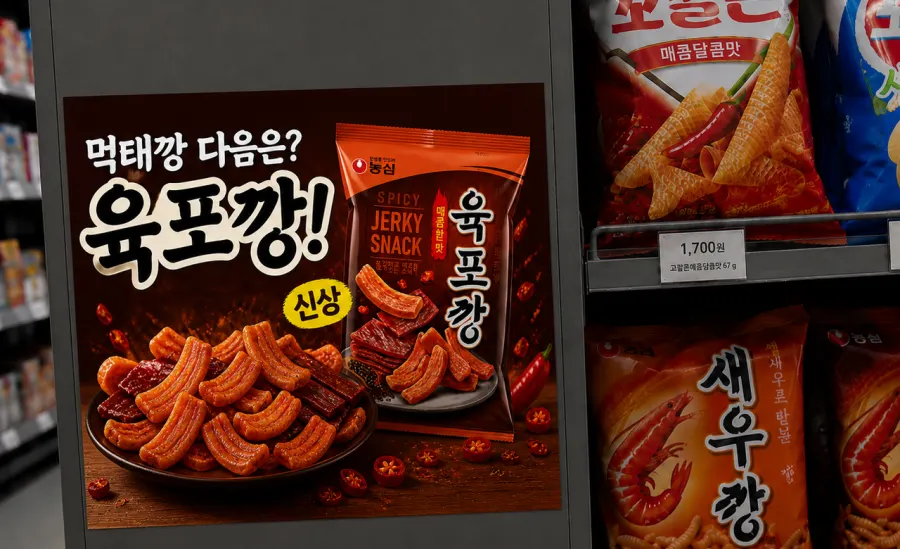
POP is information at the shelf
POP, or point of purchase, is a notice placed where a purchase happens. Online advertising helps bring a visit to the store. POP helps a customer already in the store understand the offer around an item.
When the information changes, the POP needs to change too. Prices, offer conditions, new items, and stockouts need a simple way to be made again.
Three steps from a product name and price
The in-store promotion tool on saai.store makes a POP draft from product information. It needs no camera or additional equipment.
Output quantities are for one portrait A4 sheet. You can make one poster, eight price tags in a 2×4 grid, 15 shelf badges in a 3×5 grid, or four shelf strips. A landscape layout changes how many fit on a sheet.
In a store with a headquarters team, the owner can make the needed copy on site while headquarters keeps brand tone and required wording in templates.
Check this before it goes up
POP does not guarantee a change in sales. Compare footfall and response before and after placement under the same time and operating conditions.
The tool reduces the time to make a notice, but changes in entries or sales need a separate comparison of footfall and response near the shelf. Start that measurement with Study your trade area before you quit: start with footfall.
Keep the information in front of the shelf current
To avoid relying on handwritten notices when the store gets busy, use a flow that makes the needed information quickly, puts it up, and checks it again. The information at the shelf can be maintained just like the trade area and daily operation.
- In-store promotion tool: saai.store and in-store promotion
- Make one now: saai.store
- Earlier guides: Study your trade area before you quit: start with footfall · How to keep a store on standard when the owner is away
- Expo details: COEX Franchise Startup Expo, August 25 to 27, Hall D, booth M101
Sources · References
- POP workflow and formats: saai.store in-store promotion tool. Per portrait A4 sheet: one poster, eight price tags, 15 badges, or four shelf strips.
