
Erase the identity,
keep what AI needs to see
Remove identity as existing CCTV enters the system, while preserving the scene signals AI can analyze. SEAL packages that capability as an SDK.
SDK for edge, on-premises, and existing applications
The Problem
Video holds personal data — and hiding it destroys the value
Have you confirmed every piece of personal data is removed from your AI training set? And did you know that conventional mosaic and blur drag down model accuracy?
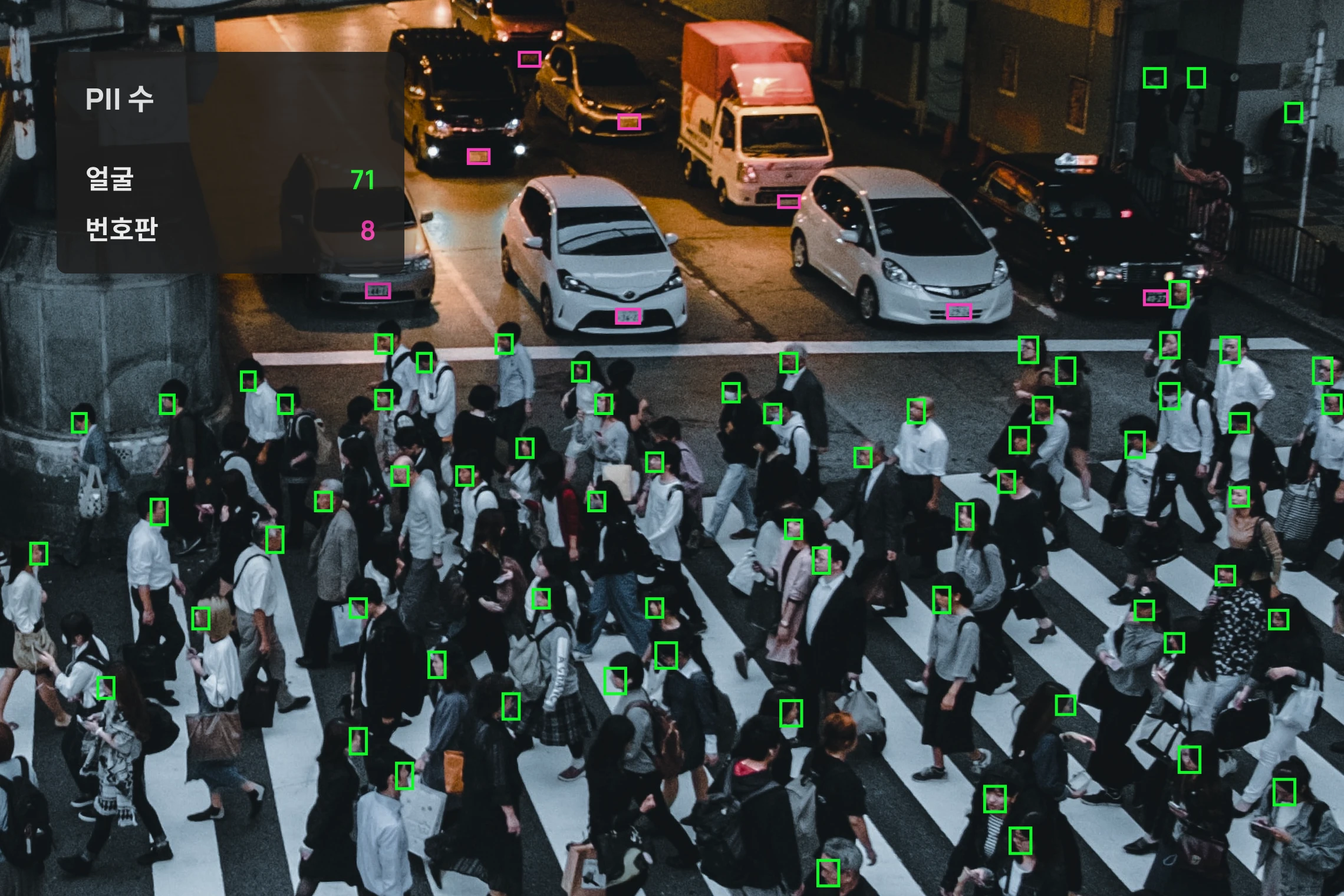
Faces and plates stay in the footage
The faces and license plates captured in video are classified as personally identifiable information. Using them as-is for AI training or sharing is a privacy breach — proper de-identification is required.
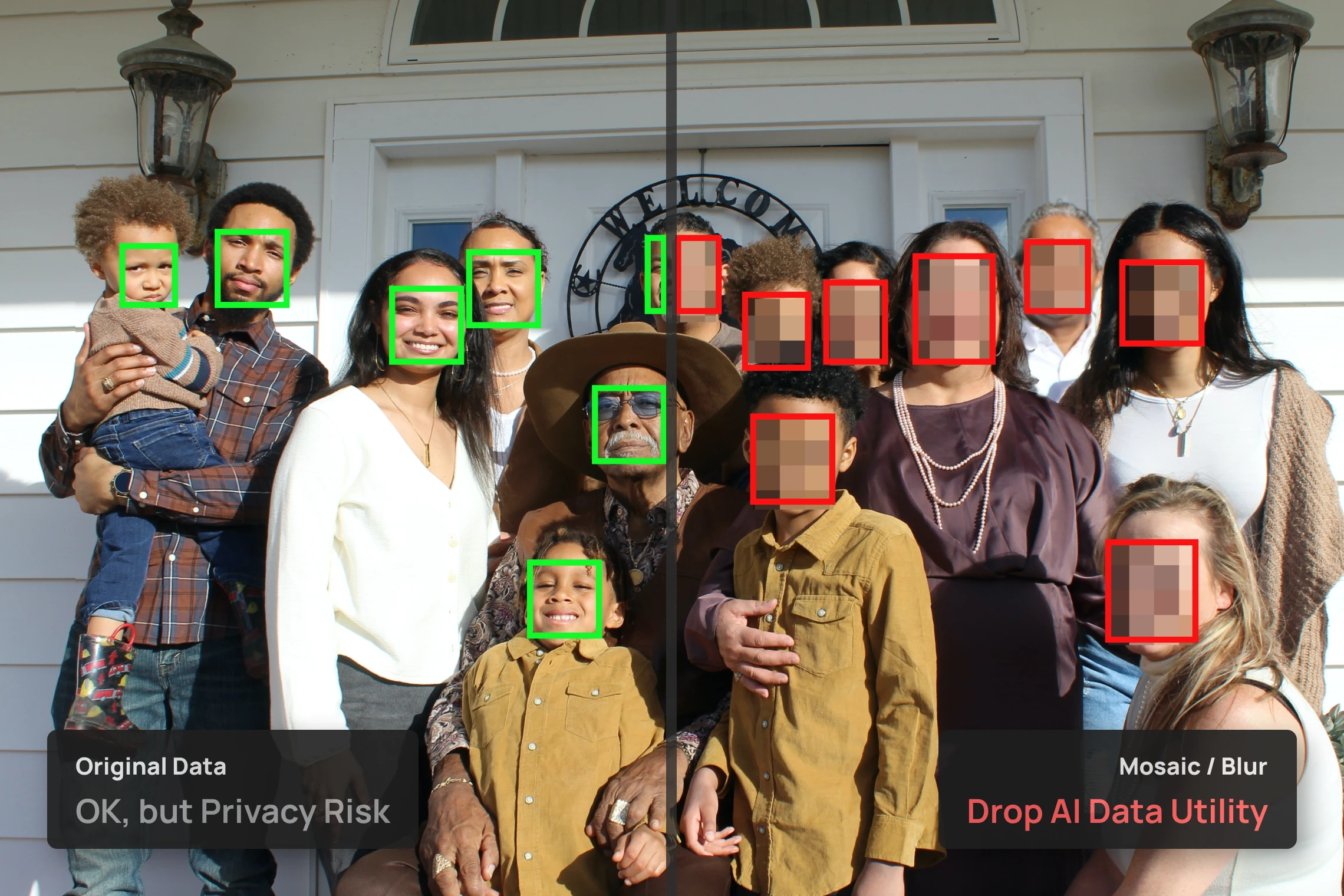
Mosaic and blur ruin the data
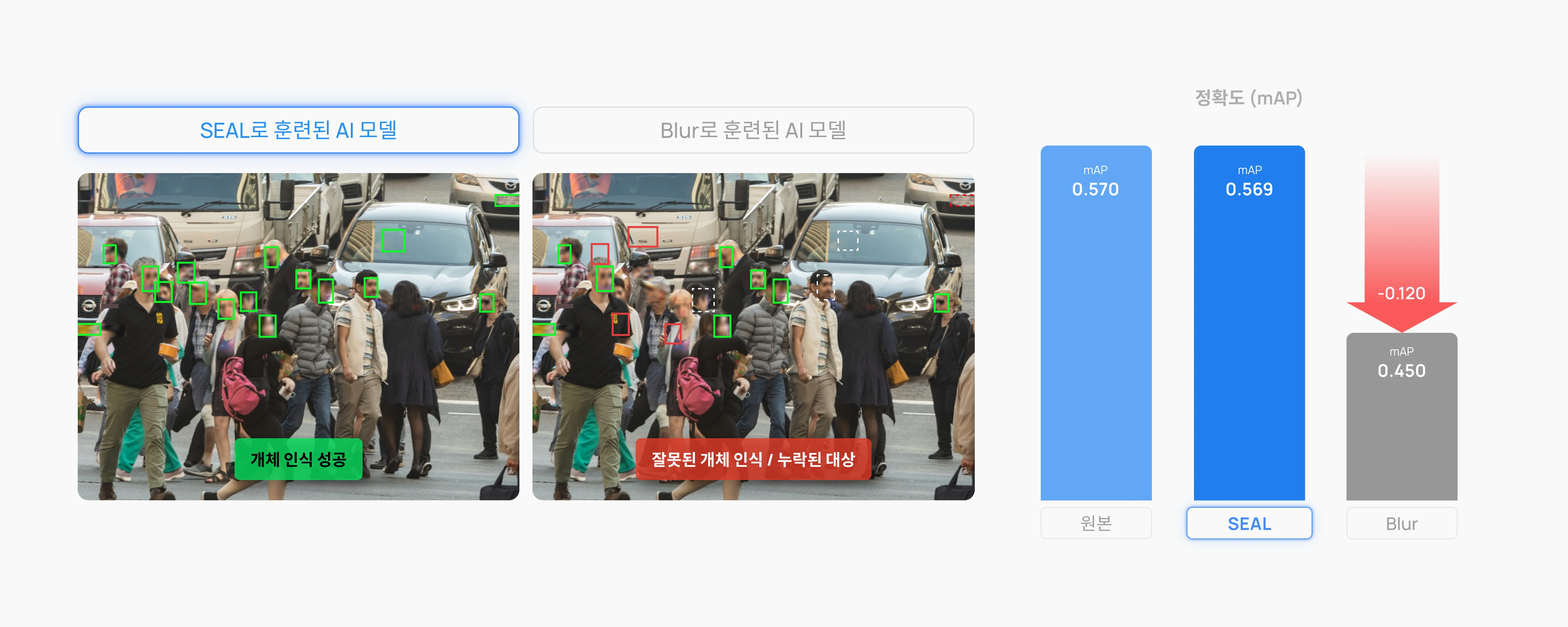
Blurring or masking hides personal data, but it also erases the features AI training relies on. A model trained on footage processed this way loses accuracy.
Before / After
Faces and plates alike — erased, not missed
Plates regardless of size or design, faces regardless of age, gender, or ethnicity. Even in real spaces like stores and teller counters, only identity is removed while the scene stays intact. Drag the handle to compare with the original.
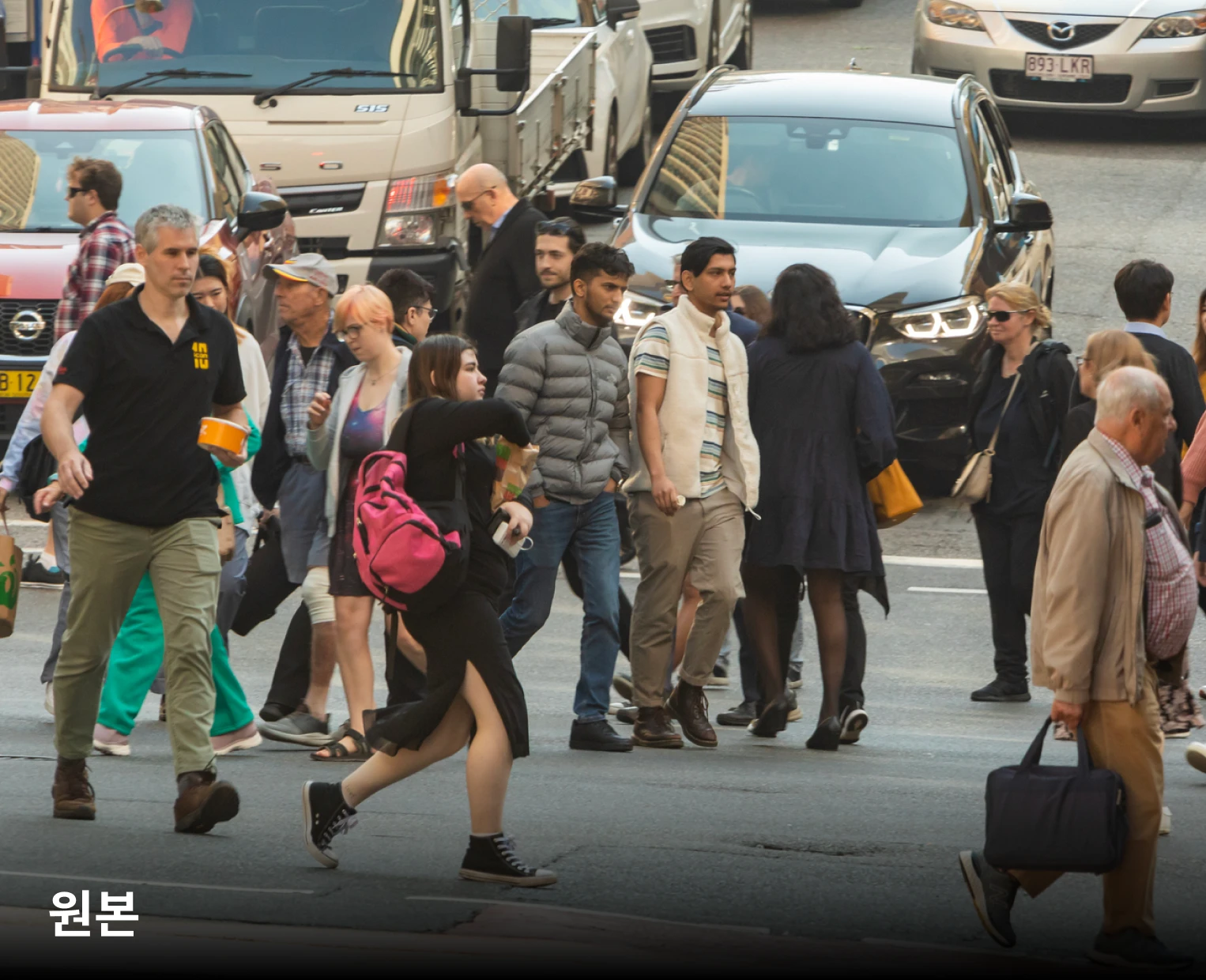 OriginalSEAL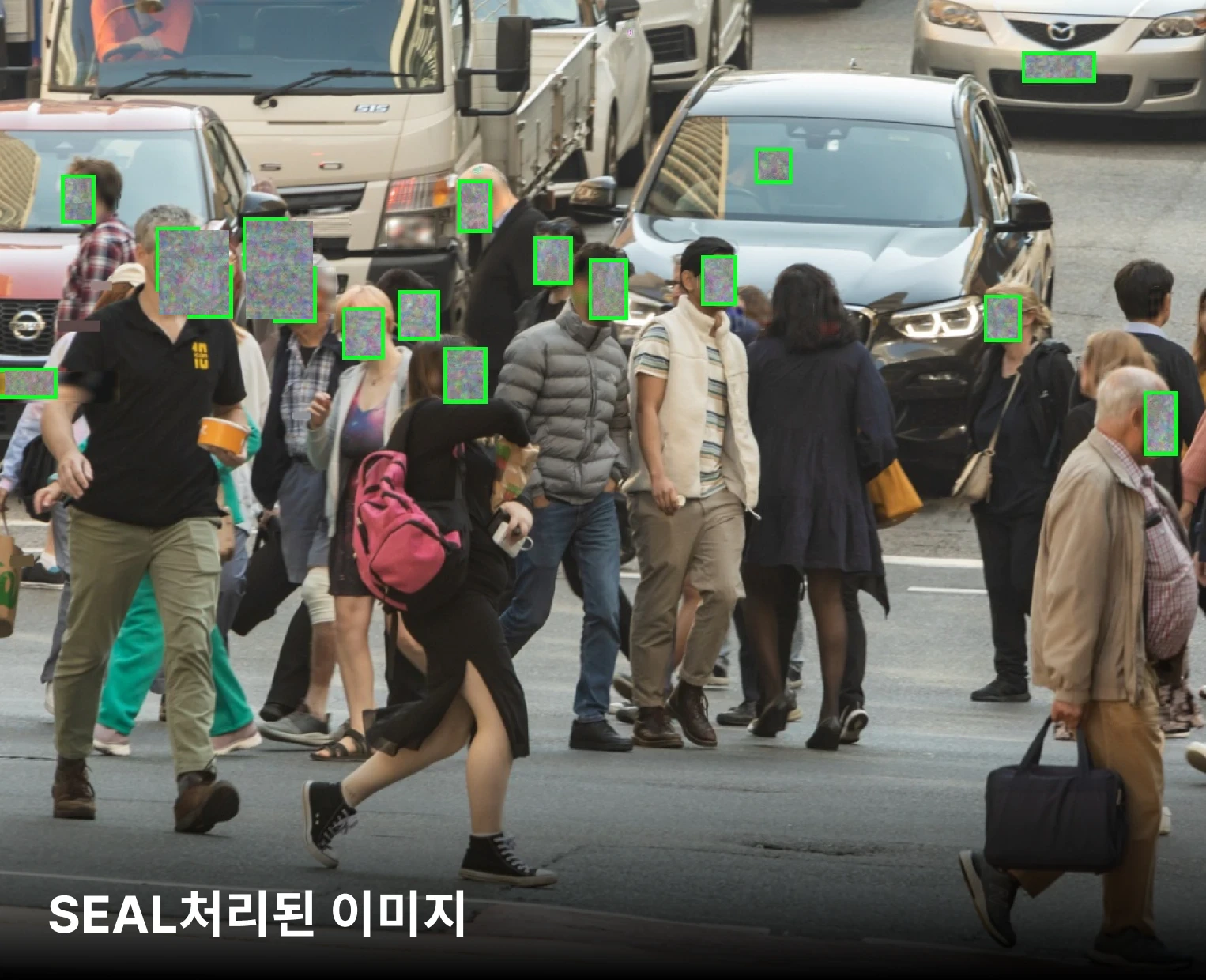
Face 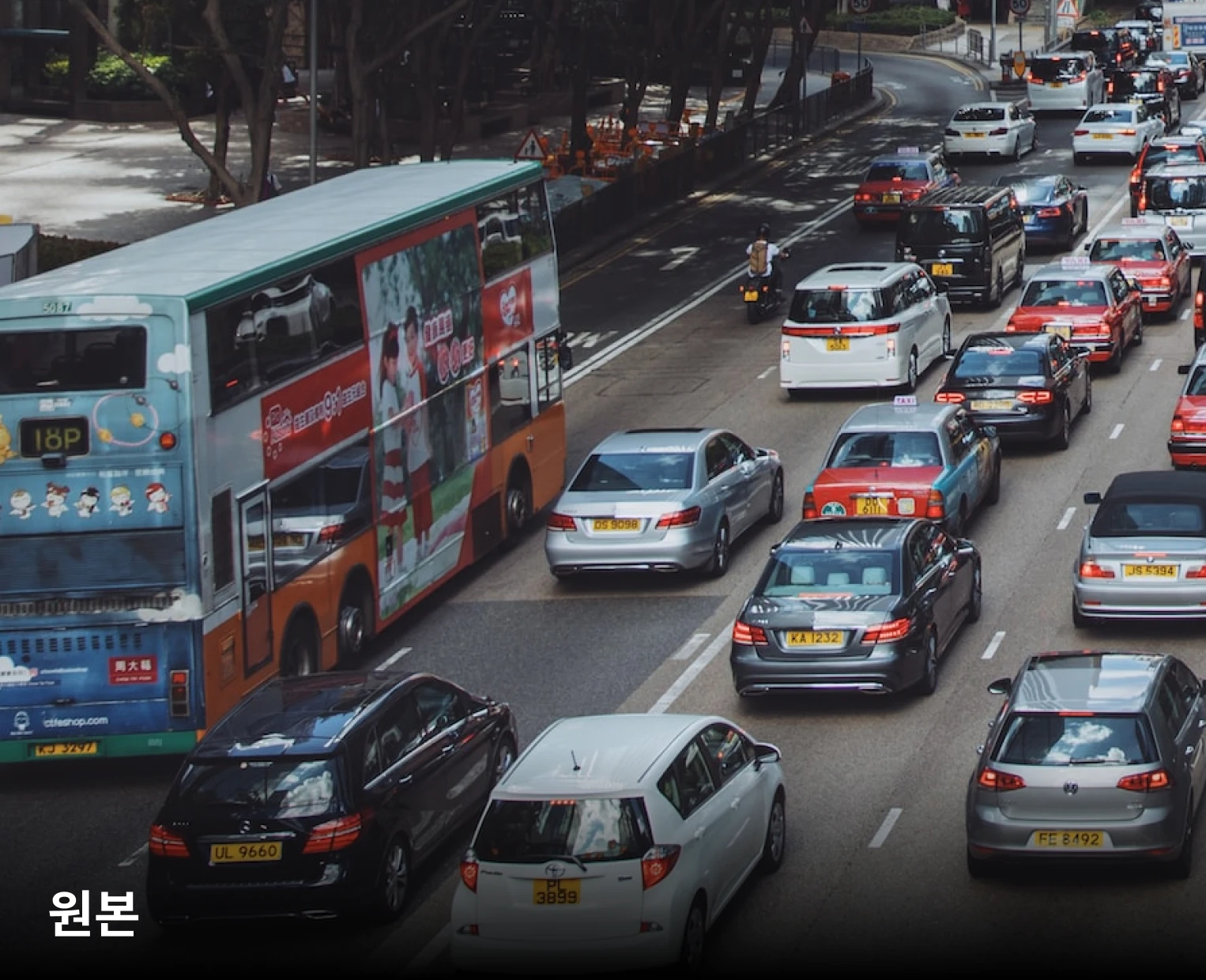 OriginalSEAL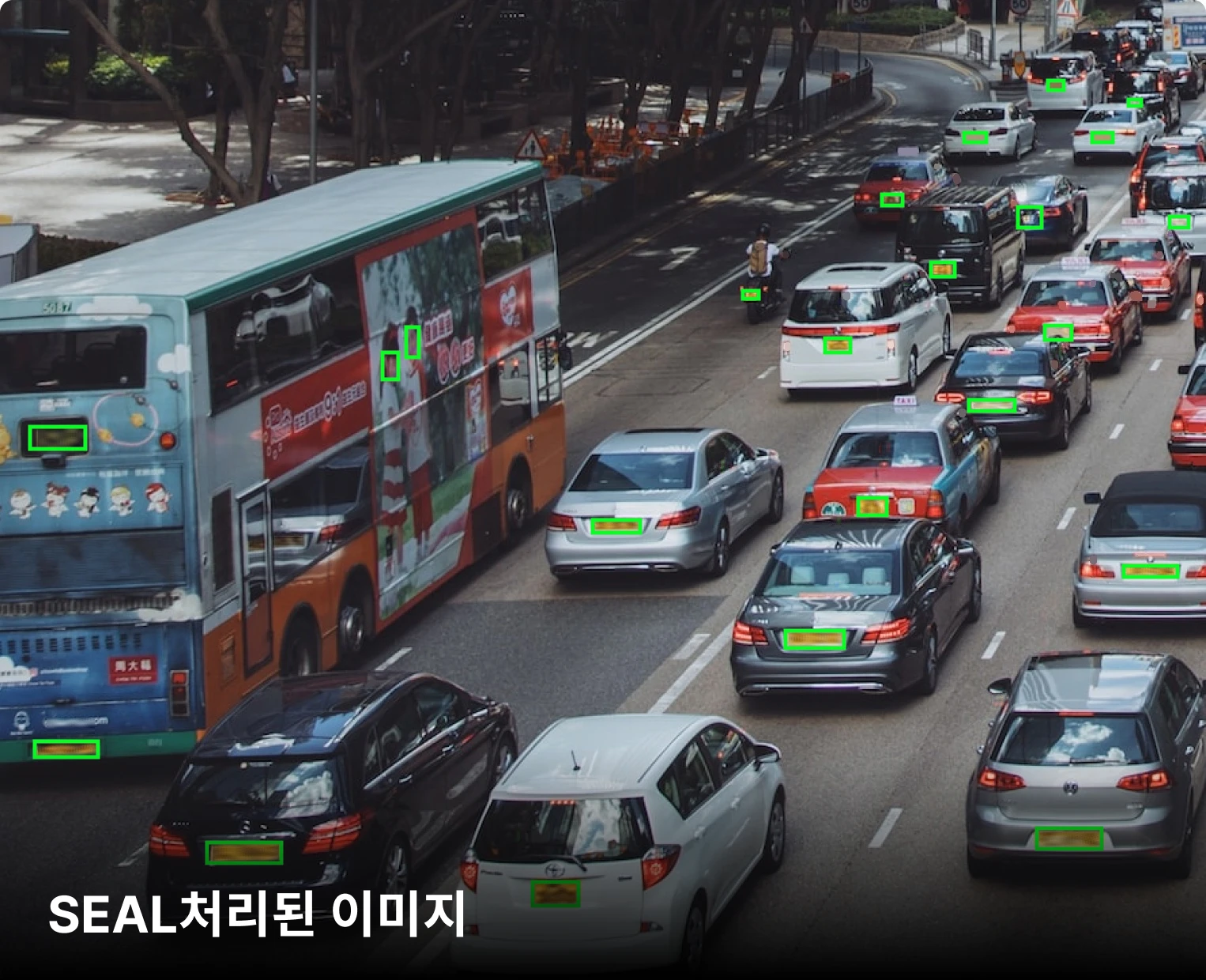
License plate 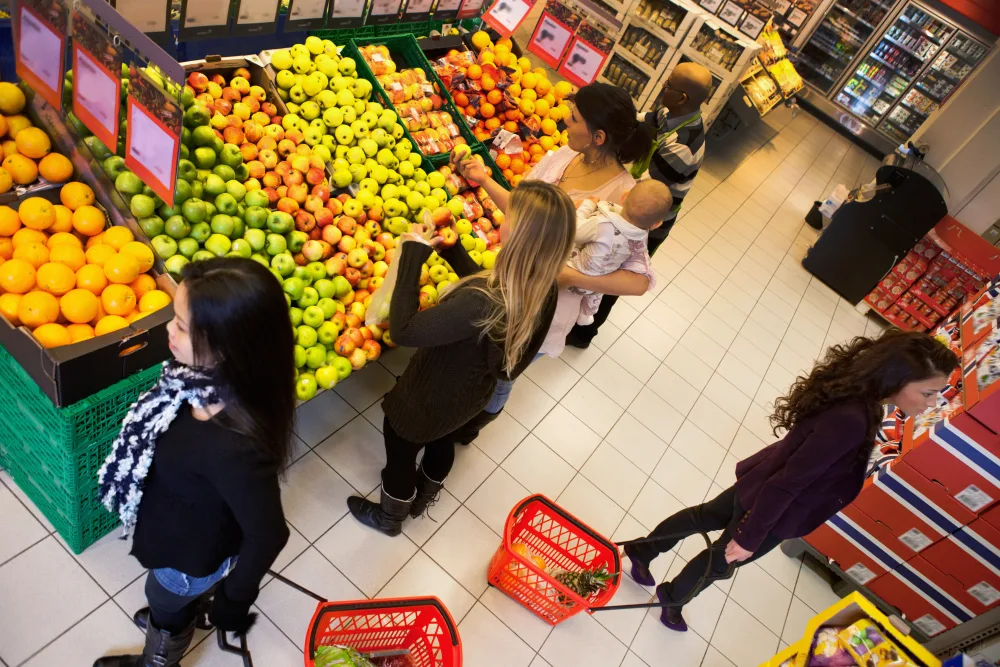 OriginalSEAL
Store 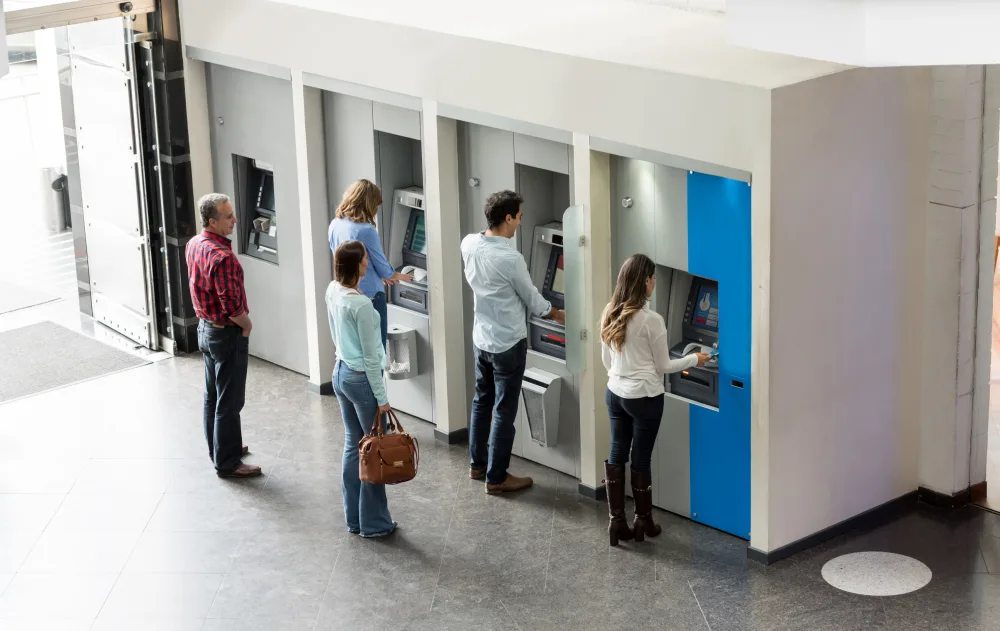 OriginalSEAL
Counter
1 / 4
Full vs partial anonymization
Safety first or utility first — both.
Full anonymization erases the whole scene for maximum safety. Partial anonymization (SEAL) strips only identity while keeping the signals analysis needs — so the same footage stays usable, with no privacy breach.
SEAL preserves the data utility AI training needs
A model trained on blurred or mosaicked images can miss the real target. SEAL keeps every essential feature except identity, so the AI model keeps working correctly.
What sets it apart from blur and masking
Same de-identification — but the difference is whether the data stays useful.
| Feature | SEAL | Blur | Masking |
|---|---|---|---|
| De-identification | Efficient, keeps data value | Blurred detail | Full masking |
| Speed | Real-time | Slow synthesis | Moderate |
| Data integrity | Keeps key AI detail | Loses sharpness | Detail hidden |
| Data validity | Fully anonymized + usable | Blurred, data loss | Detail lost |
Proven with Vision Tasks
De-identified, and AI still works
Data processed with SEAL is optimized for a range of AI vision tasks, preserving AI utility while guaranteeing privacy.
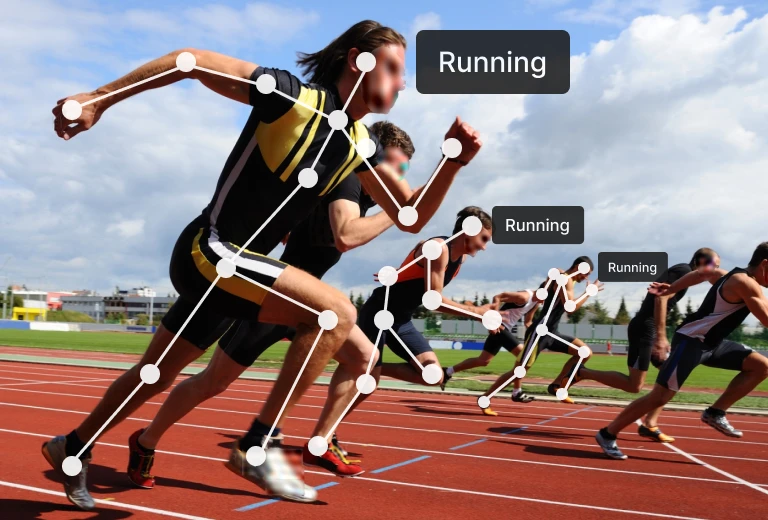
Action Recognition 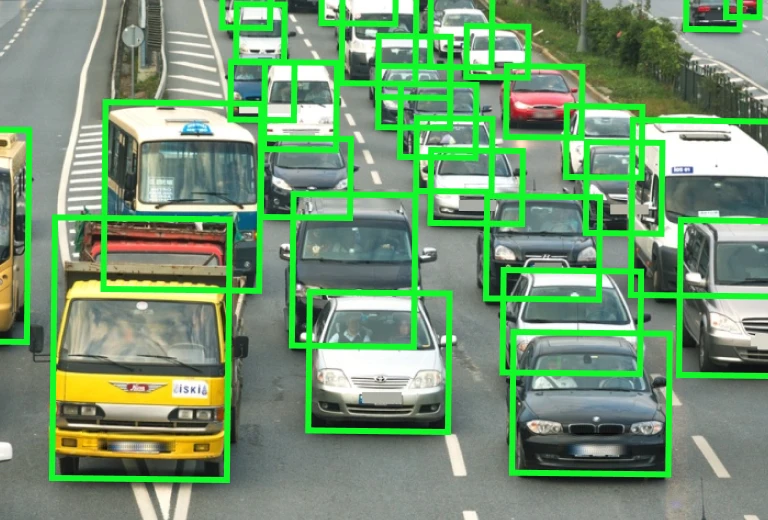
Car Detection 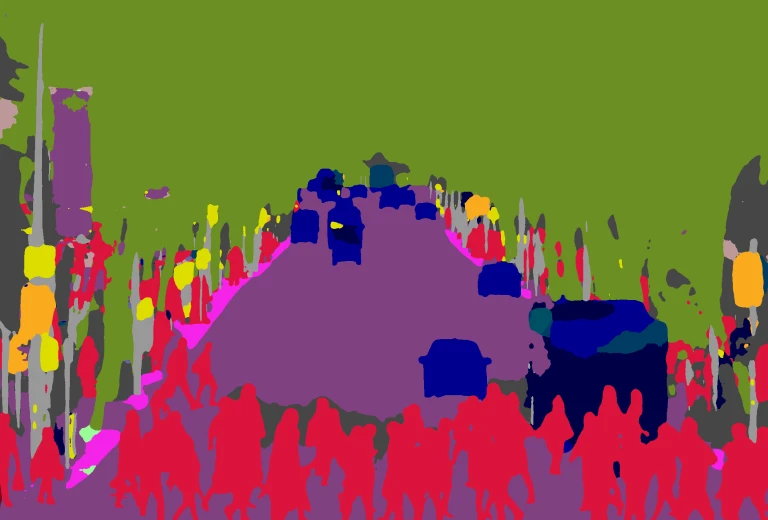
Semantic Segmentation 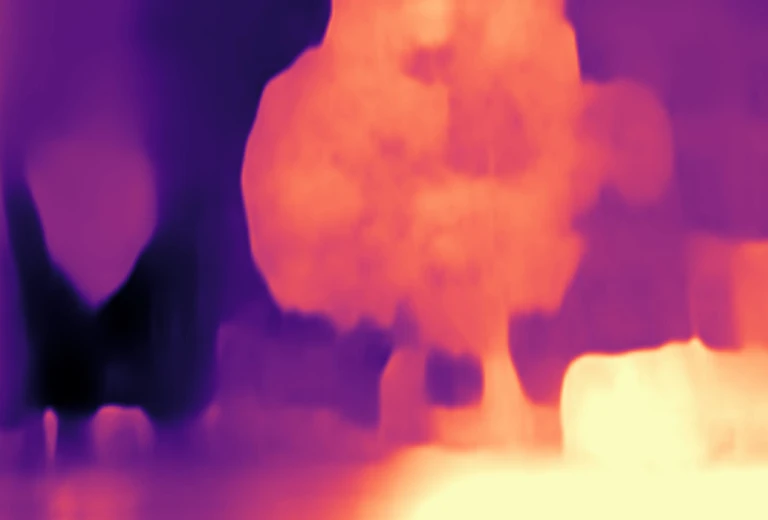
Depth Estimation 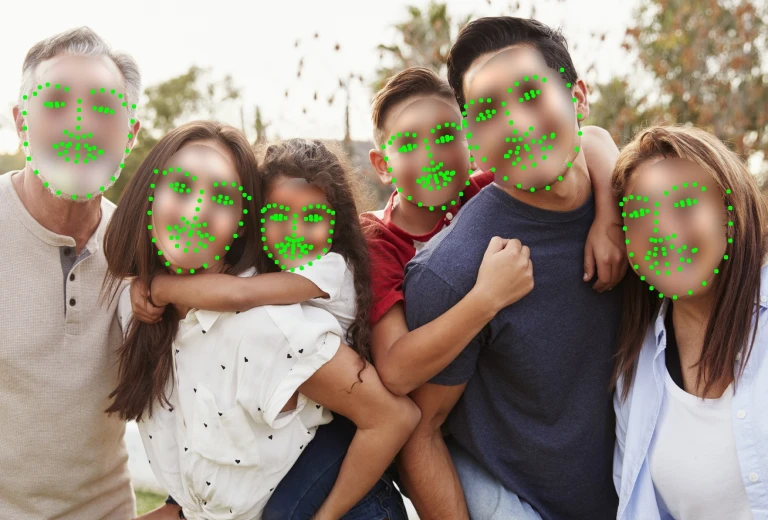
Face Landmark Detection 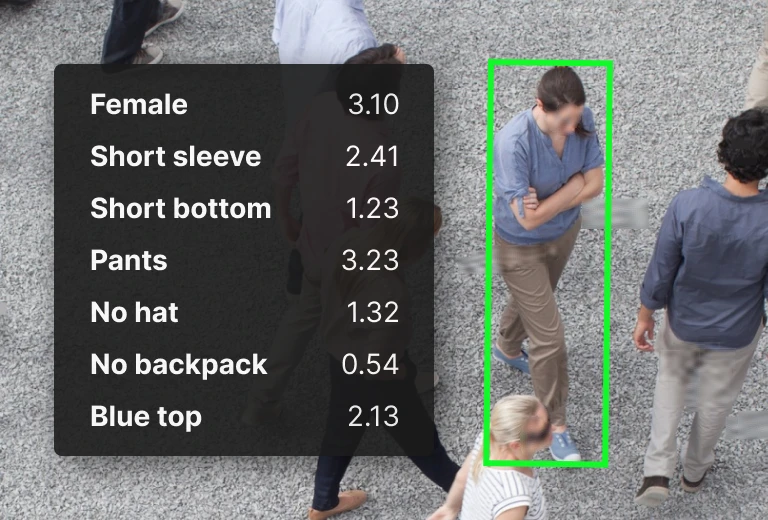
Person Attribute 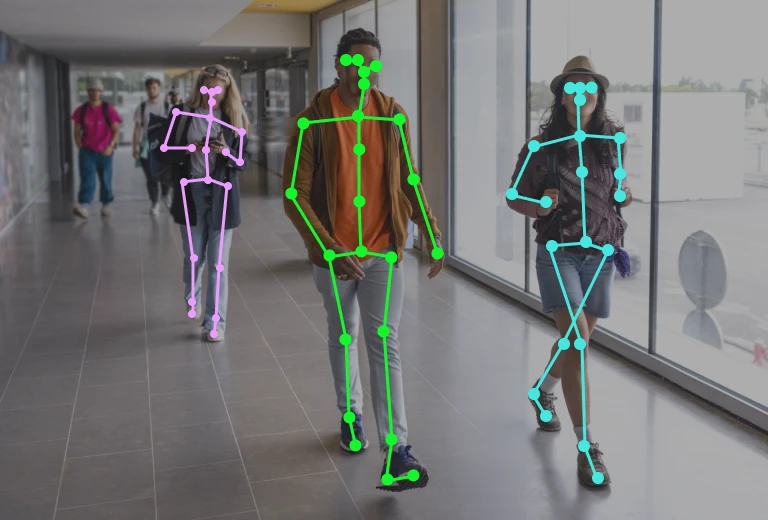
Pose Estimation 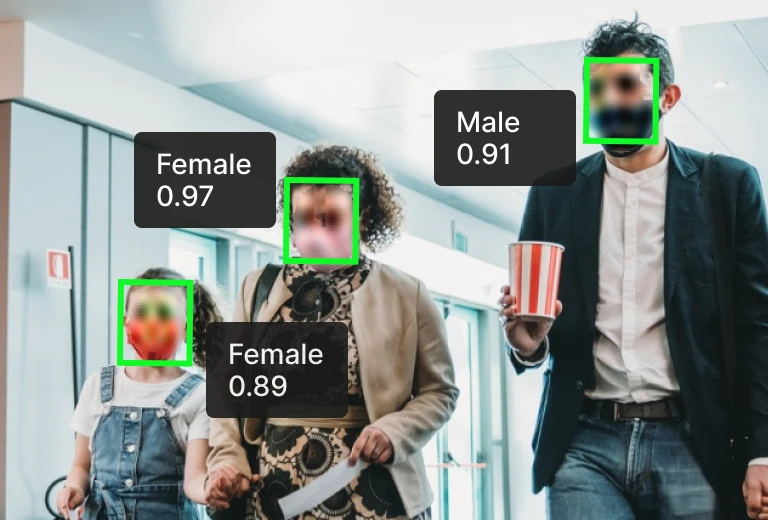
Gender / Age Classification
1 / 8
How it works
How SEAL works
From upload to compliance — three steps and you are done.
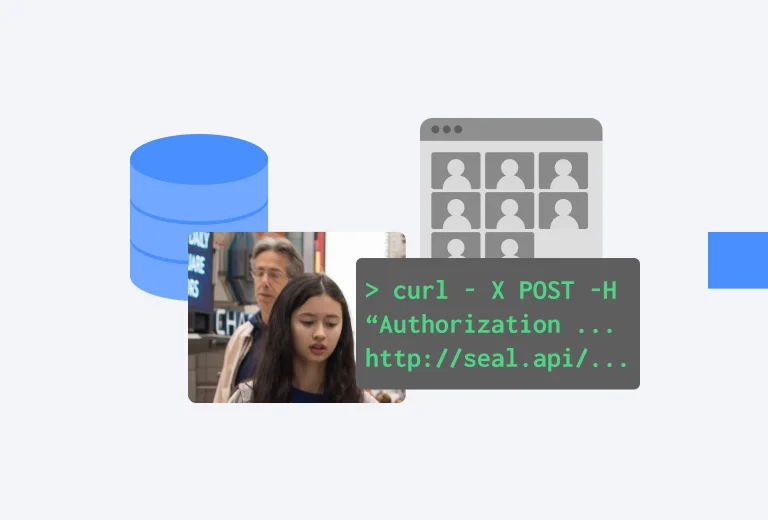
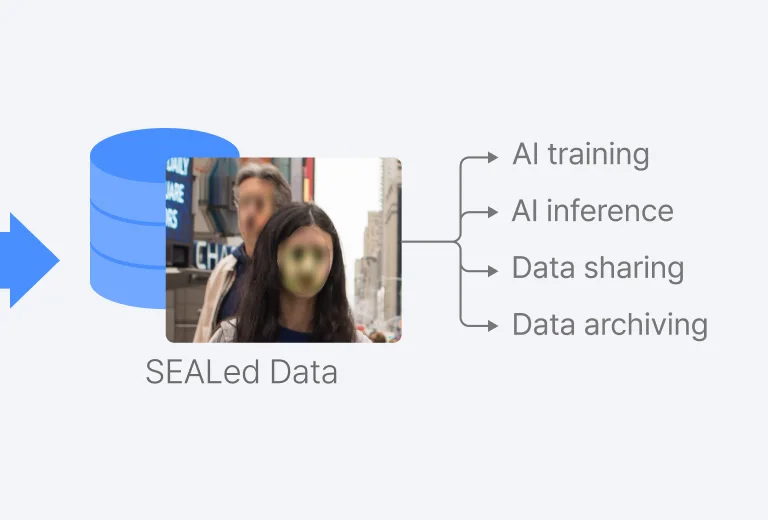
- Step 1
Upload
Upload images or video through a simple script or GUI.
- Step 2
Auto-remove personal data
Faces, license plates, and other PII are detected and erased automatically.
- Step 3
Stay compliant
Export the de-identified data so your AI model meets privacy regulations.
See the result on a sample video first.
Request a trial & sampleWhat Remains
Everything that remains after anonymization
Footage is anonymized and analyzed in RAM — volatile, never stored. The raw data the system keeps is all of the following, and none of it is personal or sensitive.
Coordinates (X·Y)
Position on the floor plan
Date & time
When the analysis ran
Object ID
Random identifier, unrelated to identity
Gender band
Estimated value
Age band
Estimated value
Staff flag
Staff vs. customer
Gaze
Head-direction estimate
Pickup
Interaction flag
1 / 8
How the law defines anonymous data — and what we confirmed
PIPA Article 58-2
“The Act does not apply to information that can no longer identify an individual, even combined with other information, considering time, cost, and technology.”
GDPR Recital 26
“Anonymous data is not considered personal data.”
CCPA
“Does not restrict a business’s ability to collect, use, retain, sell, or disclose consumer information that is deidentified.”
SEAL as an SDK
How you put SEAL into your system
As a product, SEAL ships as an SDK. The four design principles and integration steps below embed de-identification straight into your existing system.
Identity is removed at the moment of input. The original footage is left nowhere in the system, and identity cannot be recovered from anonymized data.
Embed it as discrete modules in edge devices, on-prem servers, and existing apps. The video never leaves your environment.
Protect everyone in frame — privacy by design, no individual opt-in needed. Tune input sources and protection strength to the site.
A lightweight runtime that anonymizes live streams in place — running even in constrained environments.
import { SEAL } from "@saai/seal"const seal = SEAL.init({ mode: "on-device", retain: "none" })seal.anonymize(["face", "plate"]) // irreversible at captureconst stream = seal.connect(camera)stream.on("signal", (s) => {// Pattern · Detection · Priority · Response · Context · Outcomehub.emit(s.category, s.payload)})
Integration
Integration overview
Stage-by-stage modules from input connection to result consumption — pick and combine only what you need. Anonymization is always the first stage.
- step 1
Install the SDK
Add the SDK to the target runtime and initialize the processing node.
- step 2
Connect inputs
Connect standard input sources such as RTSP, files, and frame streams.
- step 3
Anonymize first
Strip identity at the moment of input, then chain recognition and spatial analytics as needed.
- step 4
Consume results
No original kept — your app receives only the anonymized stream and analytical signals.
1 / 4
Use cases
Already put to work
Four ways to use real data without the privacy worry.
AI model development
Raise model accuracy with real field data.
Ethical AI
Run ethical AI research while protecting personal data.
Real-world data
Keep improving models with real data after deployment.
Data sharing
Share and archive datasets long-term with no privacy concerns.
1 / 4
FAQ
Frequently asked questions
Put anonymization inside your own AI
SEAL is an SDK. Attach it to the video pipeline you already run, and analysis keeps working without storing the original.