Reset the broken display
HighVMD standard off on 3 fixtures · fast-turnover category

Solutions by industry · Drugstore
Read display, stock-out, and attention signals by one standard. Reset the daily rhythm of multi-category stores.

On-site problems in drugstores
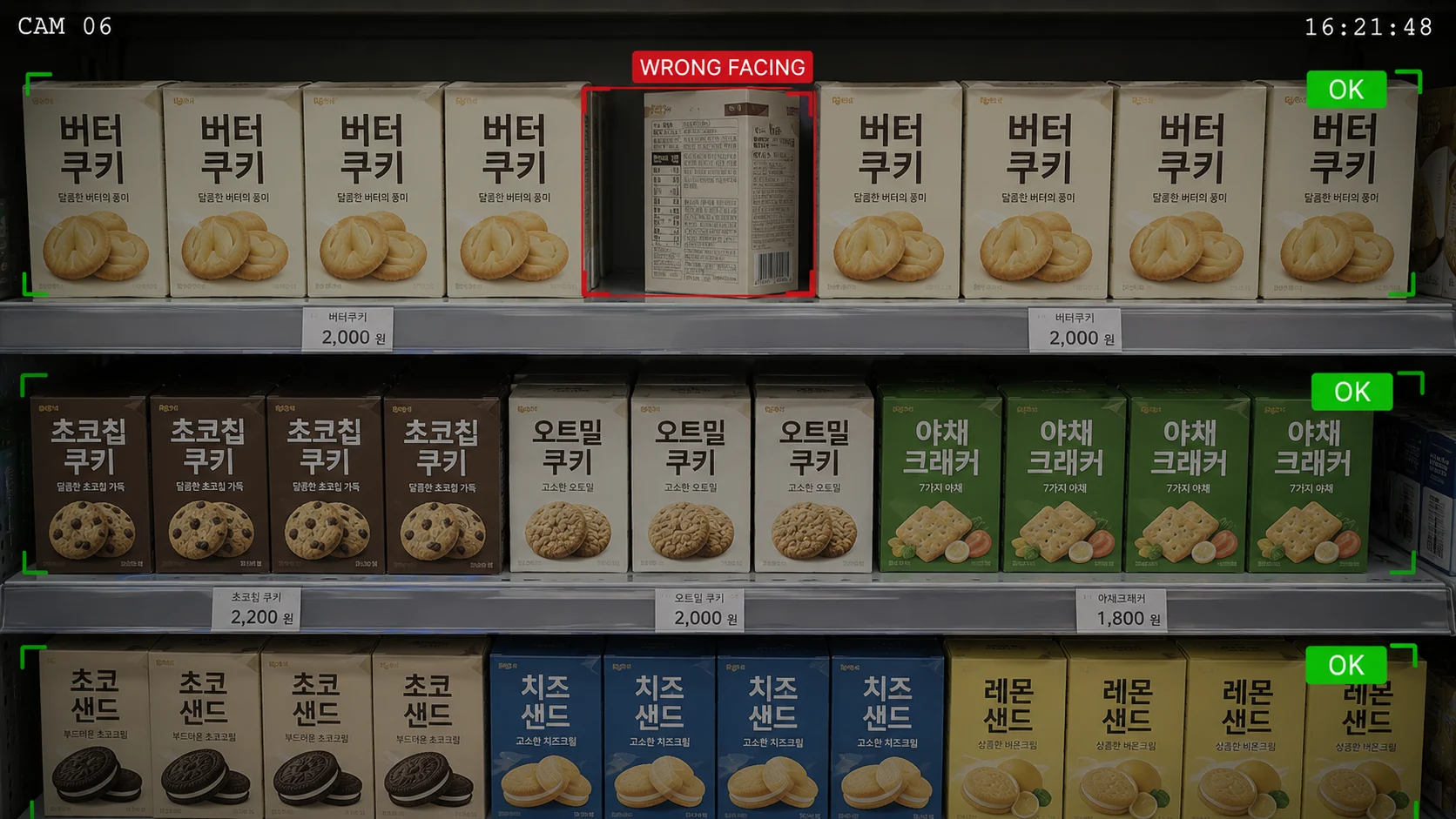
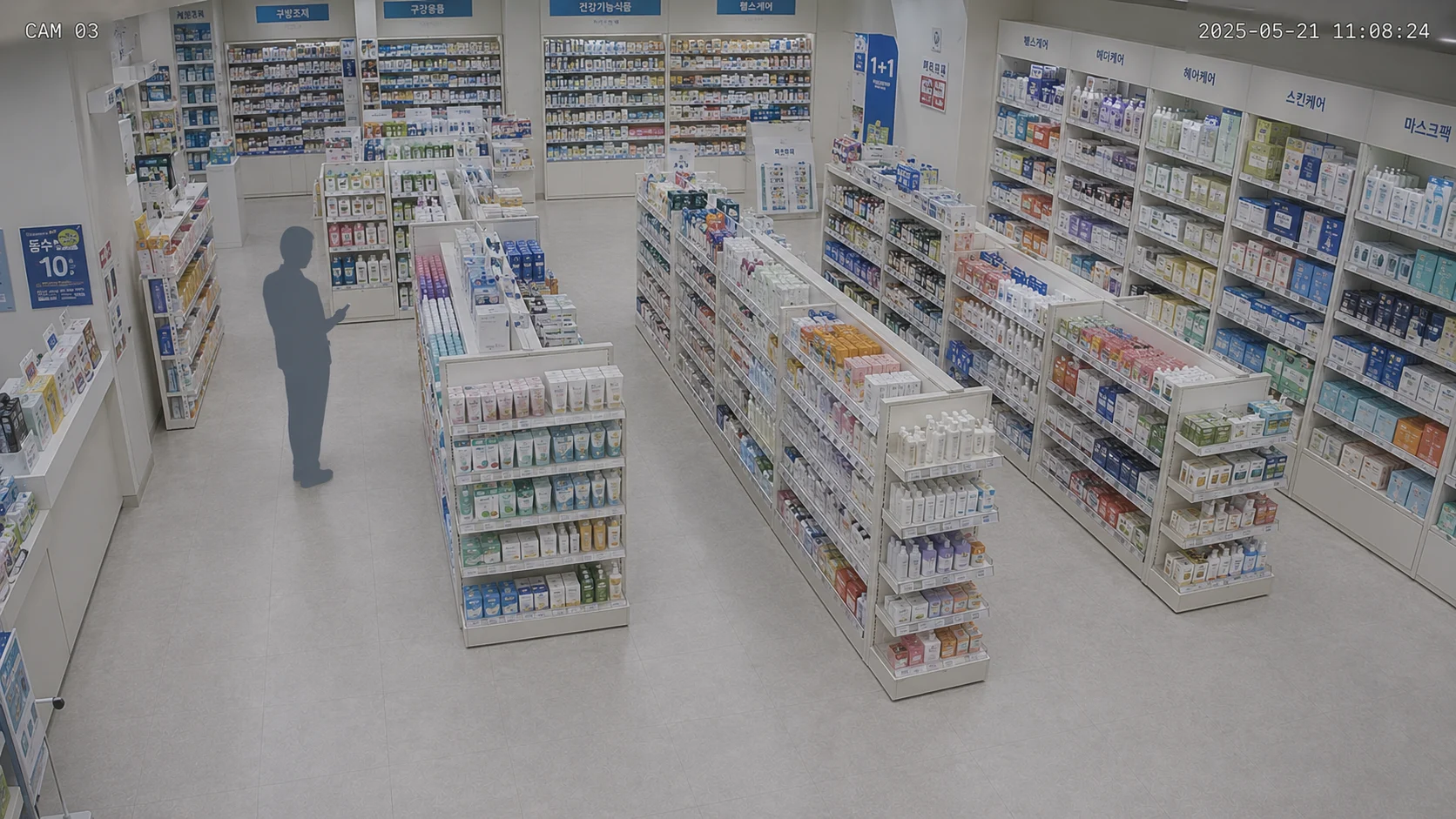
With many categories and fast turnover, displays fall apart daily. We check how far the HQ standard holds on each floor by one measure, so every store can set it back to standard.
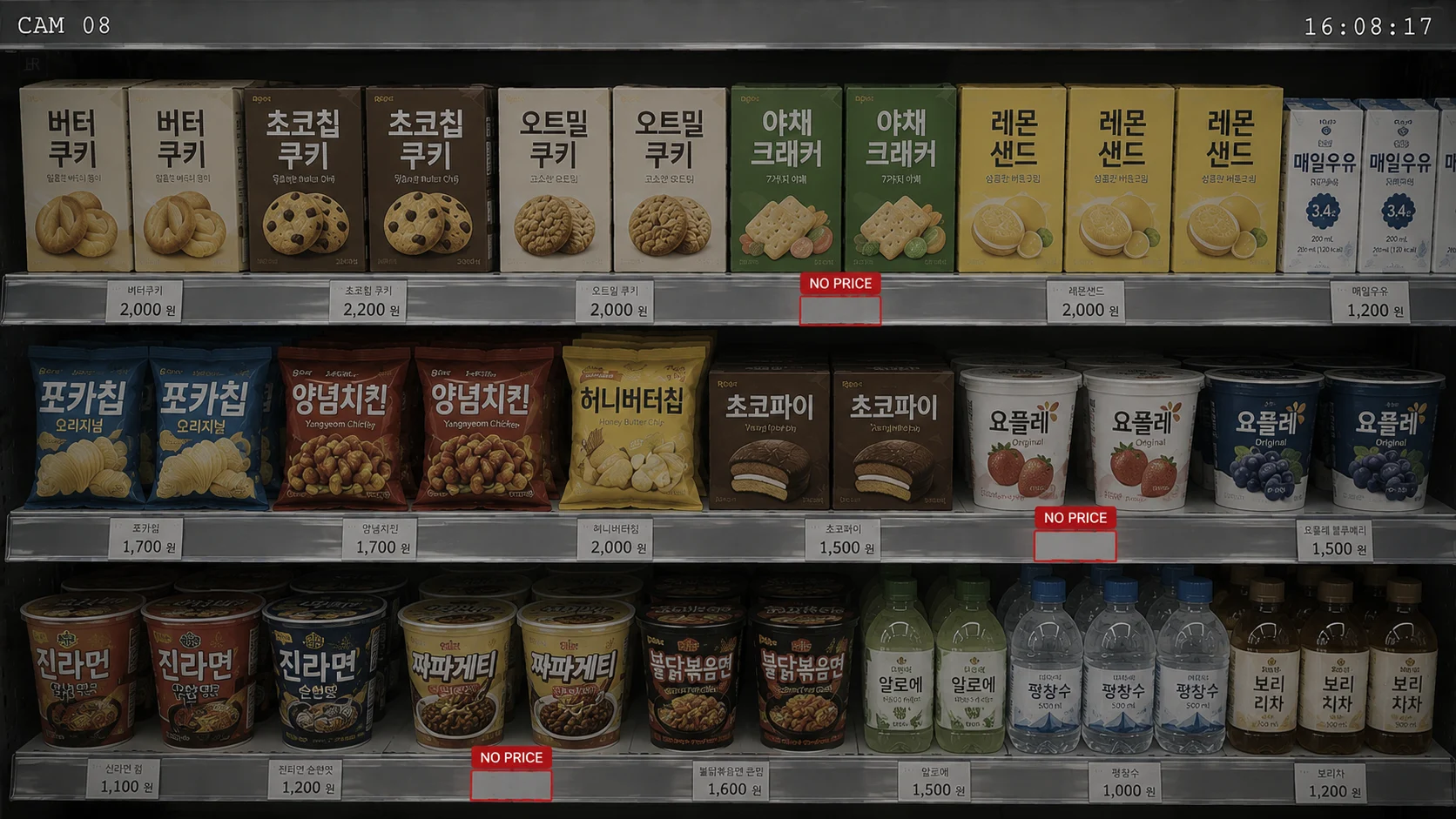
The more in-demand an item, the faster an empty shelf turns into a walk-away. We flag out-of-stock signals quickly, so you check the shelves to restock first.
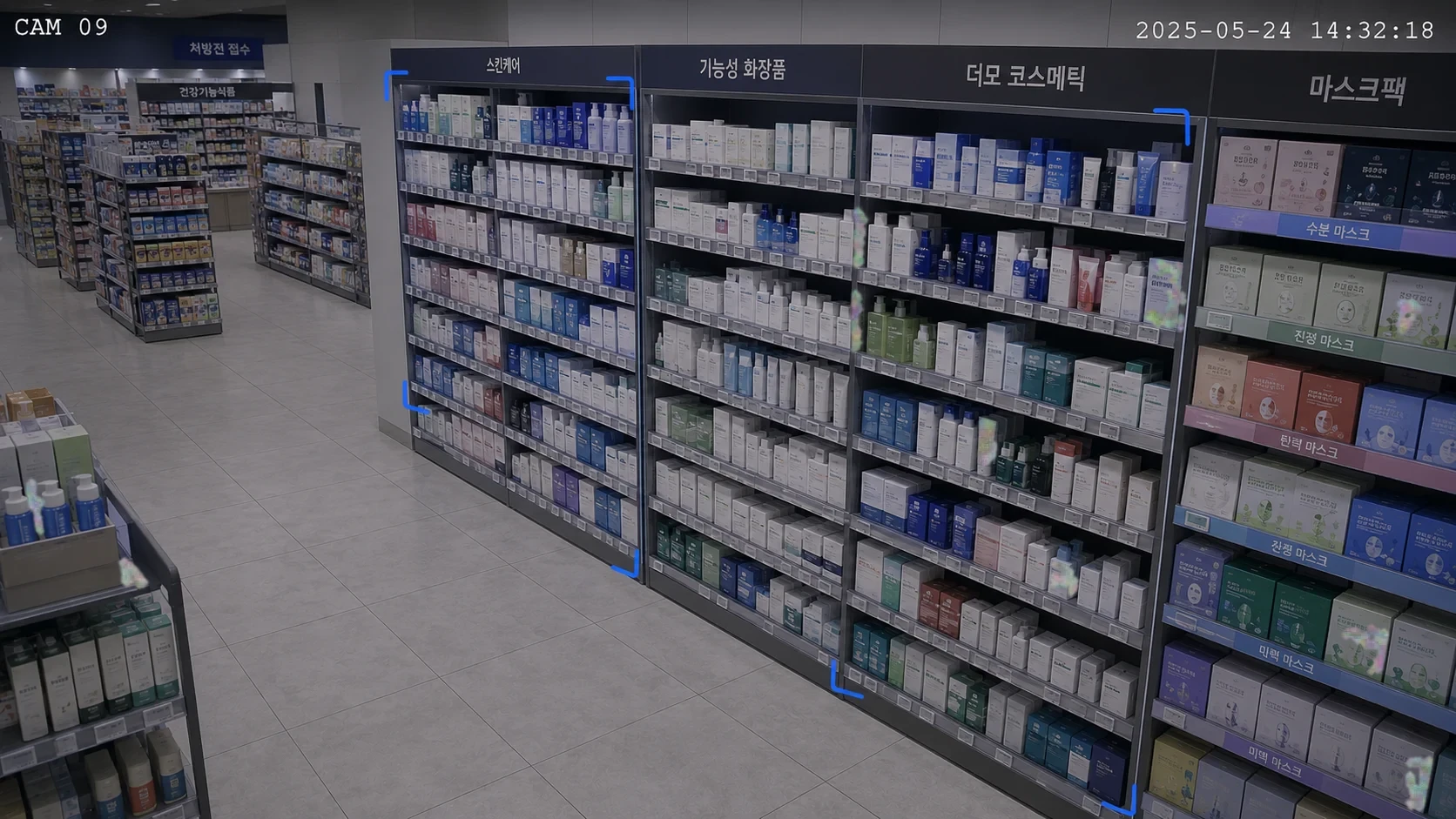
We read the flow through areas where people linger and pass by. That gives teams a basis for reviewing displays and layout and refining the store experience.
Drugstore spatial simulation
Replay visits and dwell across skincare, tester, and promotional shelves to compare the next display hypothesis.
Decision steps
Turn tester response into an entrance skincare hot zone
01 / 07 · Observe
After checking promotion, customers try an interior tester and continue to the adjacent skincare fixture.
Observed flow
Promotion → tester → skincare
A decision example using illustrative observations and a same-seed simulation.
Surface display, stock-out, and anomaly signals first. Send only the scene to check.
Wondering if your alerts could shrink to three cards too?Request a consultationSee display management in saai care
Before · After
Knowing first
saai care · saai insightOut-of-stocks and shelf issues sensed live, and zone interest reshapes the display.
From the field · Case studies
"With so many items, displays often slipped out of order, but seeing every store by the same standard means each location stays neat and tidy."
A drugstore used first-glance heatmaps to find where customers in their 20s look, rearranged its hot zone, and saw revenue rise about 15%.
* Illustrative, based on customer cases. Results vary by store conditions.View all case studies
Adoption process
01 · 2–4 weeks
Start in 1–3 stores, on the CCTV you already have.
No new hardware, no upfront burden
02 · 4–8 weeks
Set a KPI baseline and verify the improvement in numbers.
If it does not work, you can stop right here
03 · On your HQ schedule
Replicate the validated standard across every store, the same way.
Standardized without per-store variance
Pilot
Start in 1–3 stores, on the CCTV you already have.
No new hardware, no upfront burden
Validate
Set a KPI baseline and verify the improvement in numbers.
If it does not work, you can stop right here
Roll out
Replicate the validated standard across every store, the same way.
Standardized without per-store variance
* Durations are illustrative. They vary with store count and site conditions.
3 Core SAAI Products
Detect, analyze, and act connected in one continuous operating loop.
Detect
Detects critical anomalies in real time.• Flags shelf display anomalies and tester stockouts immediately
Analyze
Analyzes why it happened and reveals trends.• Analyzes dwell time and response-rate funnels by category
Act
Proposes next actions by priority; a person confirms.• Proposes VMD compliance checks and restocking actions
saai care
Detects critical anomalies in real time.
• Flags shelf display anomalies and tester stockouts immediately
saai insight
Analyzes why it happened and reveals trends.
• Analyzes dwell time and response-rate funnels by category
saai agent
Proposes next actions by priority; a person confirms.
• Proposes VMD compliance checks and restocking actions
Free consultation
Tell us about your store and we will guide you to the right approach.
Request a consultationLegacy CCTV alerts
unfiltered event stream
saai agent
prioritized actions
Reset the broken display
HighVMD standard off on 3 fixtures · fast-turnover category
Refill the popular item
High2 empty shelves · items customers ask for most
Review the pass-through zone
Medium2 lowest-dwell zones · few pick-ups per visit